
الشاشات اللمسية
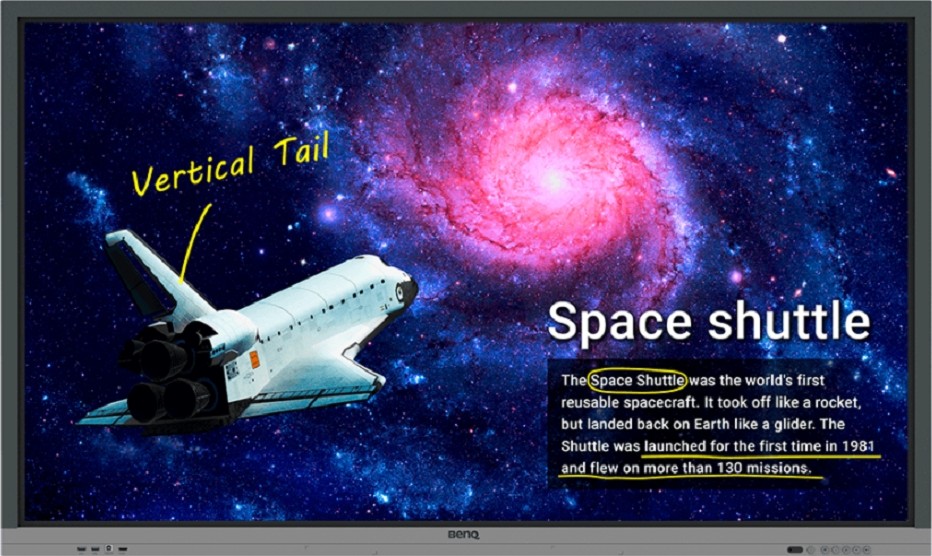
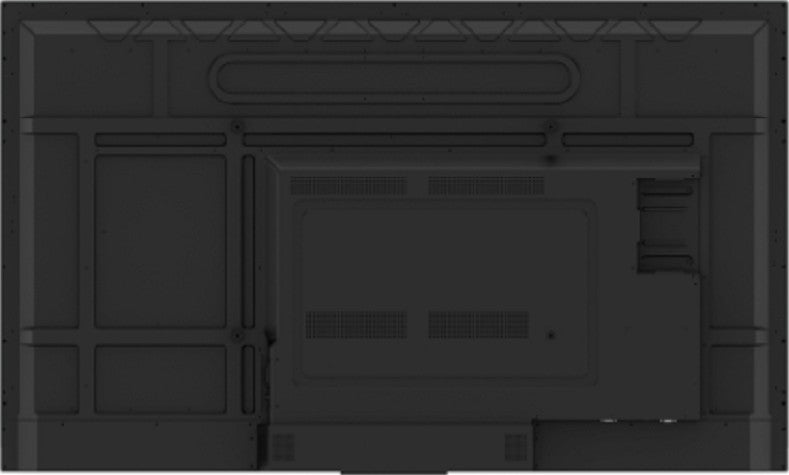
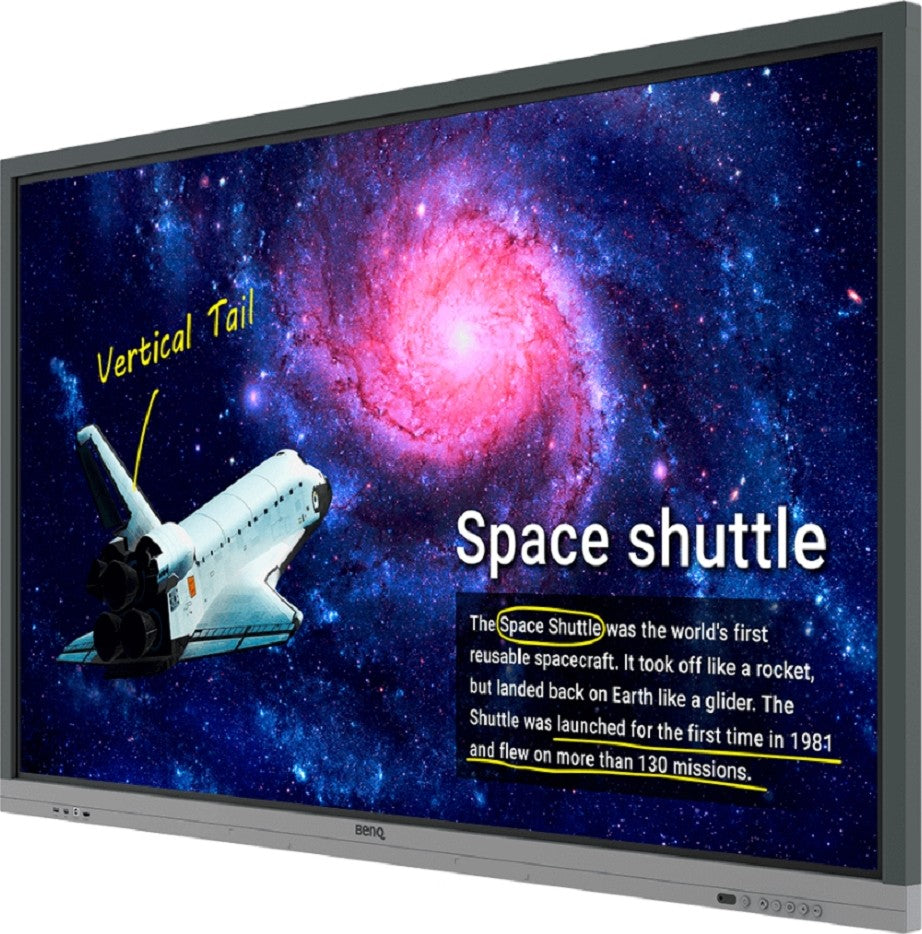
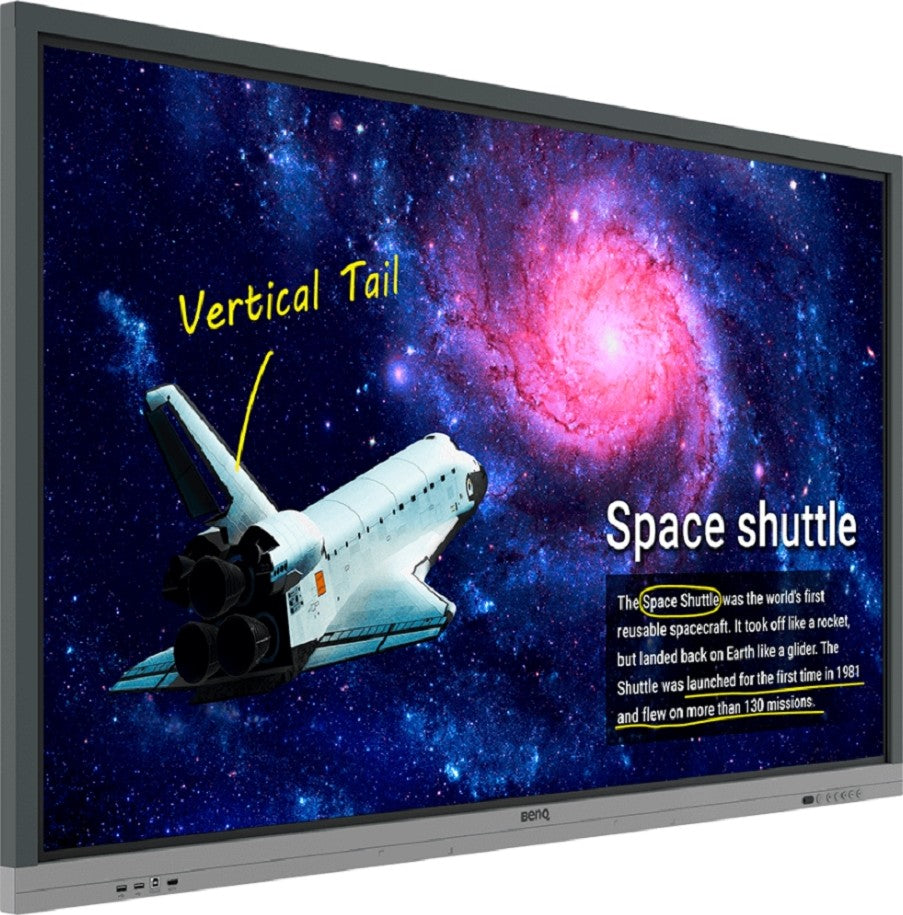
BenQ RE6501 65" Education Interactive Display Monitor, UHD 3840x2160, 8ms Response Time, 50/60Hz, IR Technology, 20 Points Multi-Touch, 1,200 1 Contrast Ratio, DLED, Free VESA Mount, Black | RE6501
Price on request
Send a free RFQ and get the supplier's best price.
أقل كمية طلب10 Unit
بلد الشحنالإمارات العربية المتحدة
حفظ
Share
Trade with confidence on Abraa
طريقة دفعة آمنة وموثوقة باستخدام منصة عبرة للدفع عبر الانترنت
Supplier verification not completed
Pay only through Abraa to stay protected. Never pay a supplier by direct transfer.
Secure Payment
Pay through Abraa, never by direct transfer to a supplier.
Product Inspection
Book a check before shipping to confirm quality and quantity.
حماية المشتري
Get support and refunds if goods arrive not as described.
Verified Suppliers
Licence, address and on-site checks by the Abraa team.
مواصفات المنتج
Annotate and Collaborate Everywhere with the Cloud
With cloud features, EZWrite 5 streamlines classroom discussions by making it smoother than ever for teachers and students to share ideas, notes, and opinions as if they are annotating on the same whiteboard regardless of where they are. Furthermore, with AMS service teachers will be able to access teaching materials stored in cloud storage and start the class directly with BenQ Education Interactive Display.
Smooth Real-Time Collaboration
Cloud Whiteboard and Sticky Notes for ClassroomsPacked with teacher- and student-friendly features, BenQ’s EZWrite 5 is the leading annotation solution for interactive and collaborative classroom scenarios. Teachers and students can enjoy enhanced interactivity by using EZWrite Cloud Whiteboard to collect, categorize, edit, and share notes between the interactive displays and mobile devices.
Instant Access to the CloudEZWrite 5 allows teachers to directly download and upload files to cloud services, such as Google Drive and Dropbox. Exclusive to EZWrite 5, this convenient cloud access makes it easy for teachers to modify their materials and bring them everywhere.
Adjustable Screen Capture Regions and Easy ImportWith EZWrite's Floating Tool, teachers can capture screen shots of anything on the screen, including content from apps, websites, and videos from any source. They can then import this content into EZWrite 5 for further discussion and annotation on a brand new page.
Dual Pens for Simultaneous Collaboration with Different ColorsEZWrite 5 comes with dual pens that allow two users to write or draw simultaneously with different colors, making it ideal for lively classroom activities.
Create a Healthy Learning EnvironmentWhen it comes to effective learning, health matters. BenQ Education Interactive Display ensures classrooms can embrace innovation without compromising students’ health by providing smart Eye-care technology.
Wireless Solution for Seamless CollaborationInstaShare is the software designed for seamless wireless presentation and collaboration during lectures. It allows the smooth streaming of visual, audio files and Full HD quality videos. Users can also mirror all digital content from devices including PCs, tablets, and smartphones, empowering contributors to enrich their sessions with a variety of multimedia resources.
 \
منتجات مشابهة
View all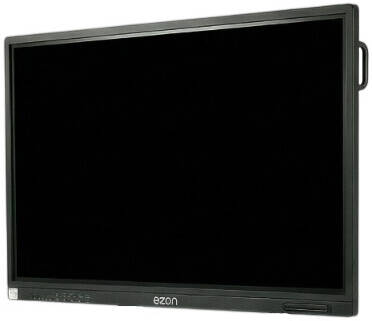
MOQ 10 PCs
eZon Interactive Flat Panel ...
MOQ 10 PCs
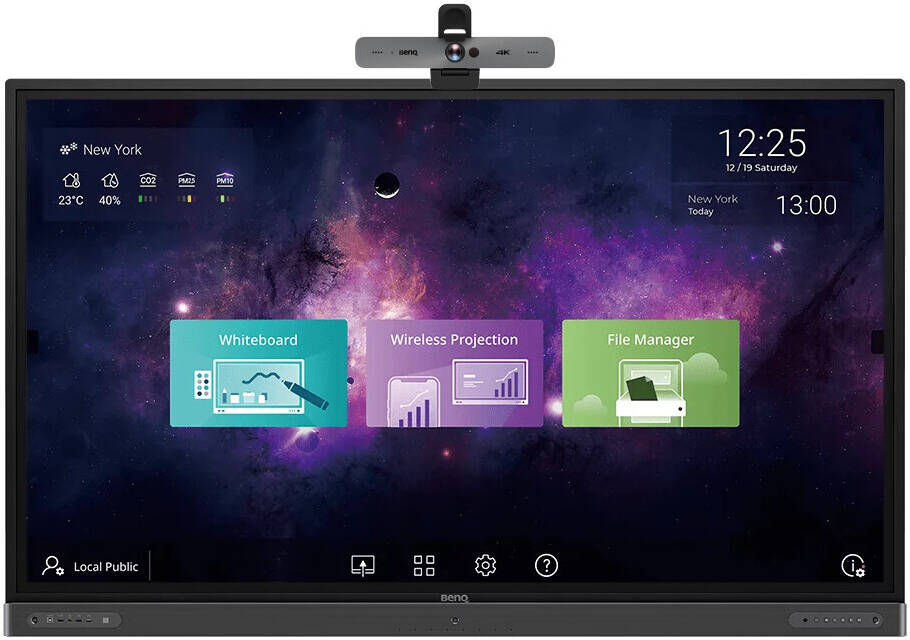
BenQ RP6502 65" Class 4K UHD ...
MOQ 10 PCs
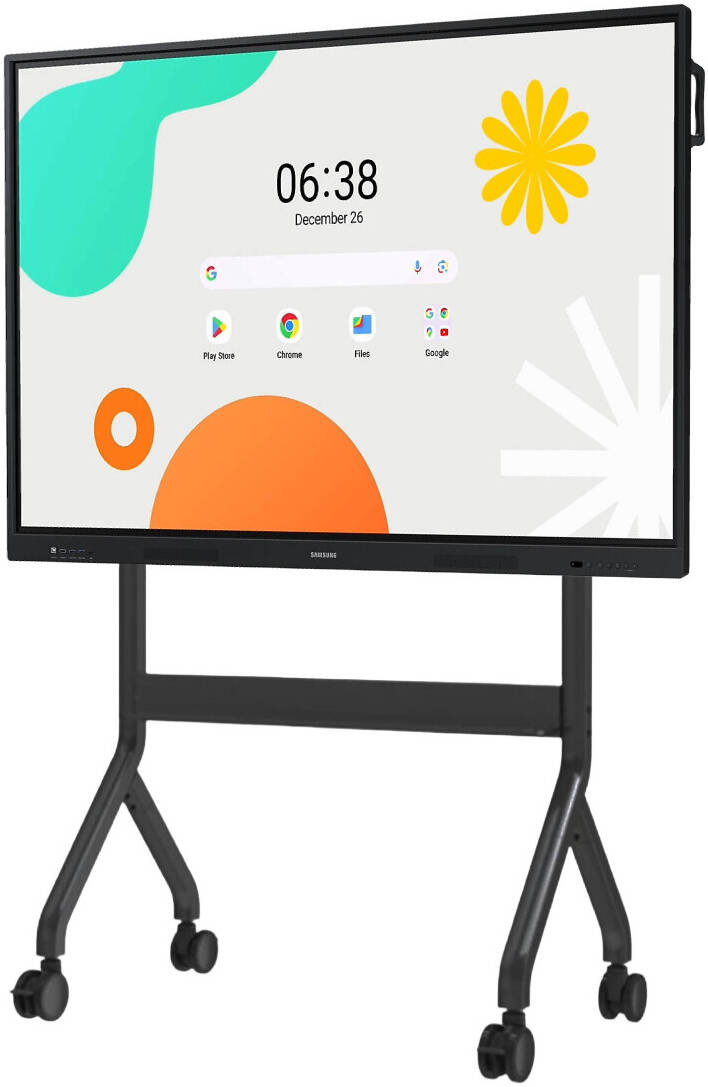
SAMSUNG WAF Series ...
MOQ 10 PCs
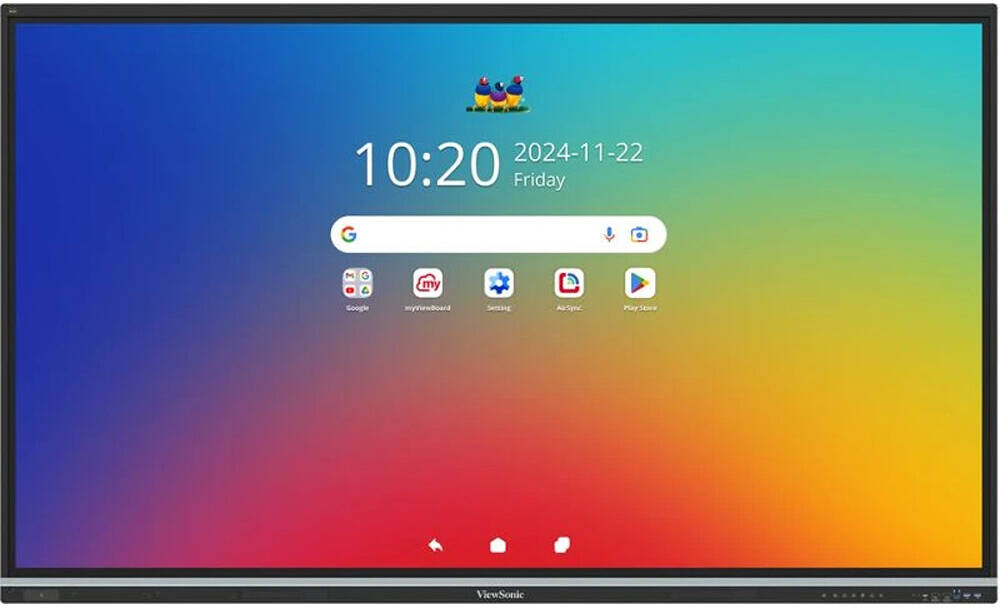
ViewSonic IFP8651 ViewBoard ...
MOQ 10 PCs
Uniview MW3586-U-X Smart ...
MOQ 10 PCs
SAMSUNG Flip Pro WM85B 85" 4K ...
MOQ 10 PCs
SAMSUNG Interactive E-Board ...
MOQ 10 PCs
Microsoft Surface Hub 3 85" ...
MOQ 10 PCs
Hisense GoBoard Live Pro, 75" ...
MOQ 10 PCs
ViewSonic ViewBoard ...
