
Network Attached Storage
QNAP - QTS-Linux Combo NAS: a well-rounded private cloud solution centralizing storage and IoT applications – Wholesale
Price on request
Send a free RFQ and get the supplier's best price.
Min Order5 Unit
Save
Share
Trade with confidence on Abraa
Safe and secure payments using Abraa safe trade systems
Supplier verification not completed
Pay only through Abraa to stay protected. Never pay a supplier by direct transfer.
Secure Payment
Pay through Abraa, never by direct transfer to a supplier.
Product Inspection
Book a check before shipping to confirm quality and quantity.
Buyer Protection
Get support and refunds if goods arrive not as described.
Verified Suppliers
Licence, address and on-site checks by the Abraa team.
Product Descriptions
Wholesale supply of QNAP - QTS-Linux Combo NAS: a well-rounded private cloud solution centralizing storage and IoT applications for retailers, distributors and corporate buyers. Request a quote with quantity and destination.
Model: TS-253A-4G
QTS-Linux dual systems, geared for the IoT era
The TS-253A’s QTS-Linux dual systems are based upon QNAP’s advanced virtualization technologies. The revolutionary architecture of the TS-253A enables users not only to download rich apps from QTS App Center but also to develop or utilize IoT packages for Linux® and display them using HDMI output. With the TS-253A, you can develop and install various IoT packages on demand and centrally store the data on the TS-253A, benefiting from a secure private storage and development solution. Simply plug in a keyboard, mouse and HDMI monitor to the TS-253A, and use the Linux Station as if you were using a PC*. You can also operate the Linux Station as a remote desktop via web browser for instant management**.
*Linux Station will be available from QTS 4.2.1. To use the Linux Station, you must install it from the App Center.
** The remote desktop function does not support remote audio output
Intel® Celeron® N3150 quad-core CPU fulfills multi-tasking efficiency
Powered by the latest 14 nm Intel® Celeron® N3150 quad-core 1.6GHz processor, dual-channel 4/8GB DDR3L-1600 RAM (upgradable to 8GB), 2 Gigabit LAN ports and SATA 6Gb/s, the TS-253A delivers up to 224 MB/s read speed and runs tasks smoothly and quickly. The TS-253A can automatically increase the processor's clock speed from 1.6GHz to 2.08GHz when performing CPU-intensive tasks. The TS-253A features Intel® AES-NI hardware-accelerated encryption engine to drive transfer speeds of up to 224 MB/s with AES 256-bit encryption for both full NAS volume and shared folders, boosting system performance & security while ensuring the safety of sensitive business data stored in the TS-253A.
Tested in QNAP Labs. Figures may vary by environment.
Test Environment:
NAS:
OS: QTS 4.2.0
Volume type: RAID 1; 2 x Seagate 1TB ST1000NM0033 HDDs: NAS and PCs are connected.
Client PCs:
Intel® Core™ i7-4770 3.40GHz CPU; DDR3L 1600Hz 16GB; WD 1TB WD10EZEX;
Intel Gigabit CT( MTU 1500 ) ; Windows® 7 Professional 64bit SP1 & Windows 8.1 Pro 64-bit IOMeter configuration: Multiple PCs via switch. Transferring 32GB file continuously to NAS for 3 minutes. Block size: 64KB for SMB2.0
Dual HDMI outputs - Switch between HD Station and Linux desktop
The TS-253A comes with dual HDMI outputs for using two monitors in either a “duplicated” or “extended” desktop configuration. Duplicating will display the same content on both displays, and extended desktop mode allows users to display applications over two displays for improved multitasking convenience and productivity.
When displaying content using HDMI outputs, you can use the TS-253A as an amazing multimedia player by using HD Station to enjoy rich apps including Kodi™, HD Player, Plex Home Theater, YouTube™, Spotify®, JRiver, Google Chrome™, Mozilla Firefox®, and more. Alternatively, you can choose to output the Linux® operating system desktop to use the TS-253A as a PC.
Note: The Linux desktop will be available from QTS 4.2.1. To use it, you must install the Linux Station from the App Center.
The picture above shows the extended desktop mode.
Enjoy the best audiovisual experience on TV including a free remote control
 \
Similar Products
View all
MOQ 10 PCs
Wholesale 1U RACKMOUNT ...
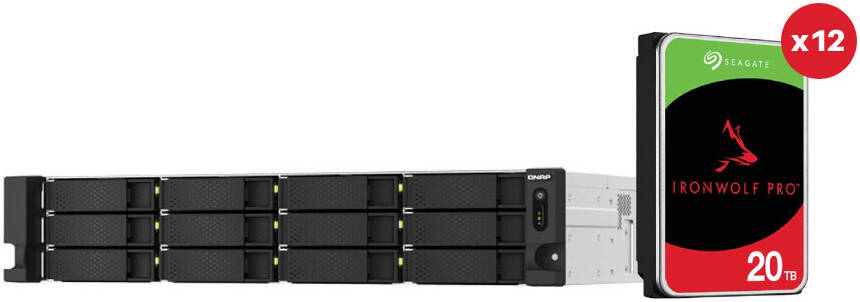
MOQ 2 PCs
QNAP TS-h1887XU-RP 18-Bay ...
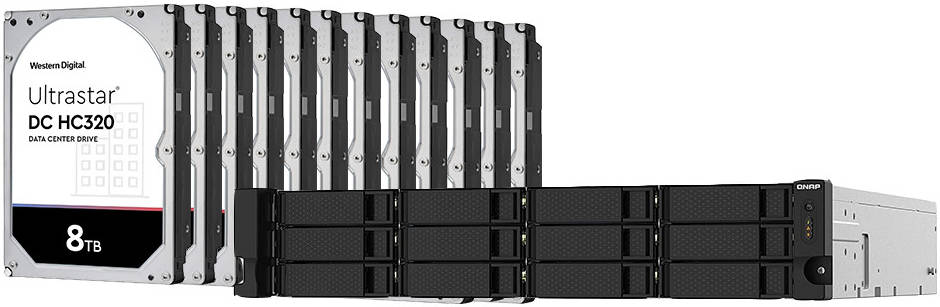
MOQ 2 PCs
QNAP TS-1232PXU-RP-4G 12-Bay ...

MOQ 10 PCs
Wholesale 4-BAY SOHO/SMB NAS ...
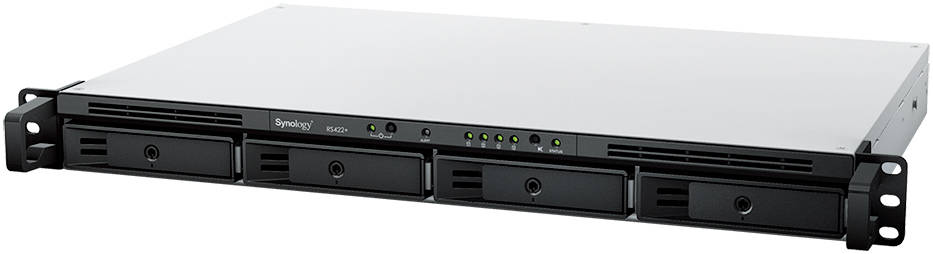
MOQ 2 PCs
Synology RackStation 4-Bay ...
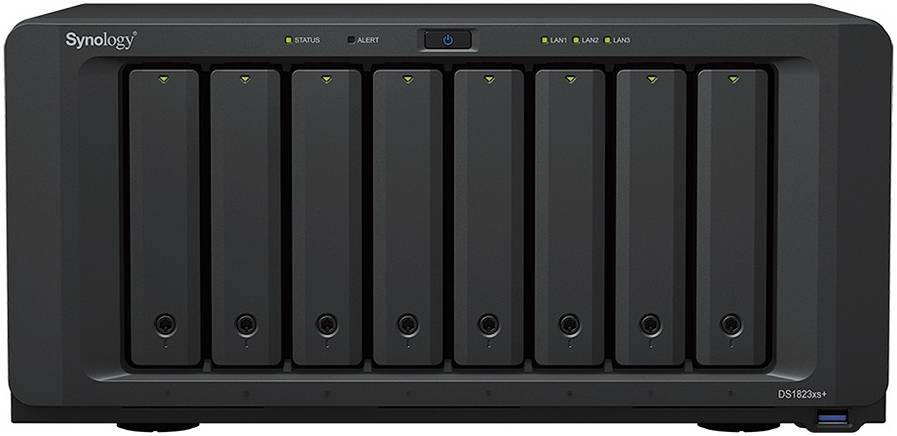
MOQ 2 PCs
Synology DiskStation ...
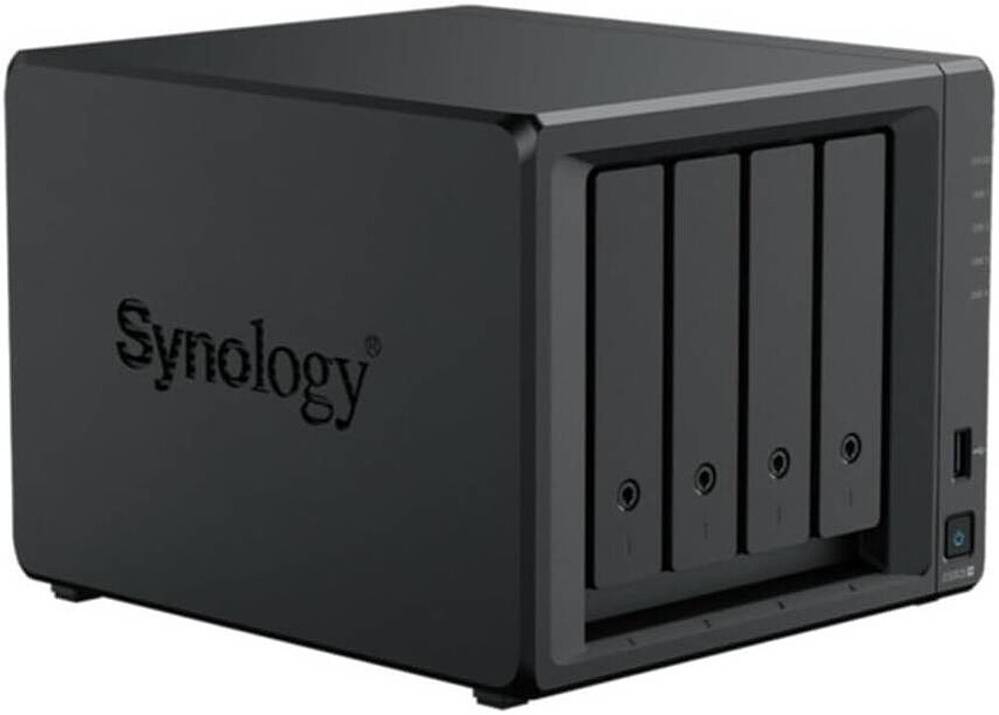
MOQ 10 PCs
Synology DiskStation DS925+ 4 ...
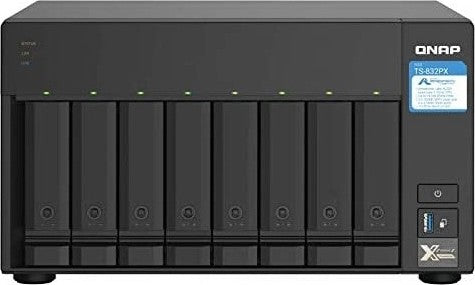
MOQ 2 PCs
QNAP 8-Bay NAS, AL324 64-bit ...
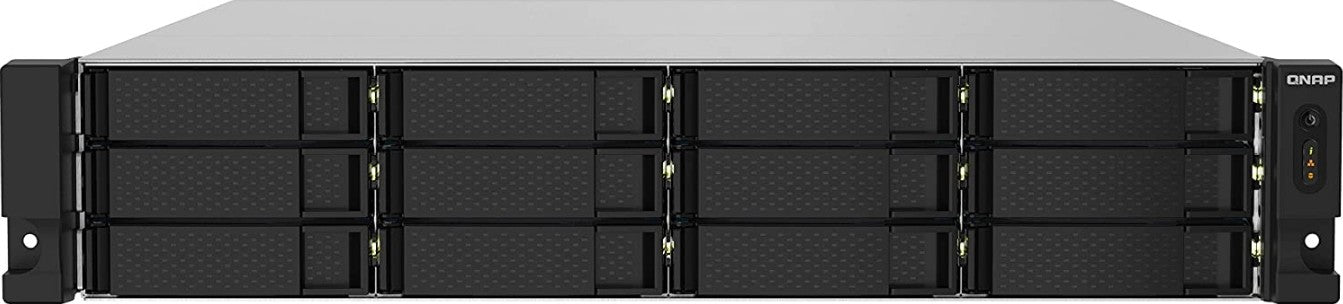
MOQ 2 PCs
QNAP 12-Bay 2U Rackmount NAS, ...

MOQ 10 PCs
Wholesale 1U RACKMOUNT ...

